You're Ready to Go!
We've added an Example Child so you can explore StarJar right away.
Stars will be awarded automatically 3 times a day.
Take a look around, then adjust everything later to fit your family.
Thanks for joining us! Let's get your family dashboard set up.
Follow these 4 simple steps to start building positive behaviours with your family today.
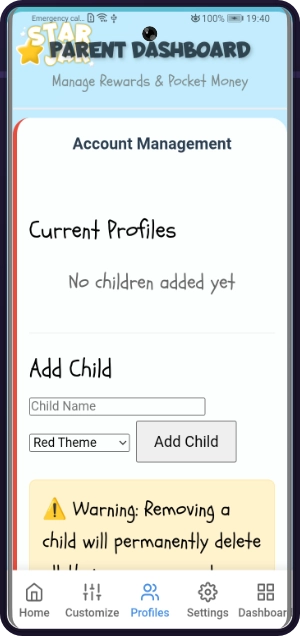
Start by creating a profile for each of your children. Simply add their names and you're ready to begin tracking their achievements.
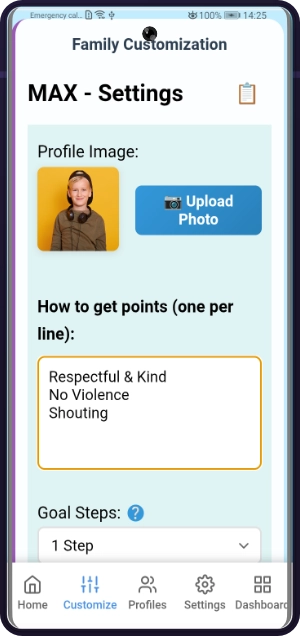
Make each profile unique to help motivate your children.
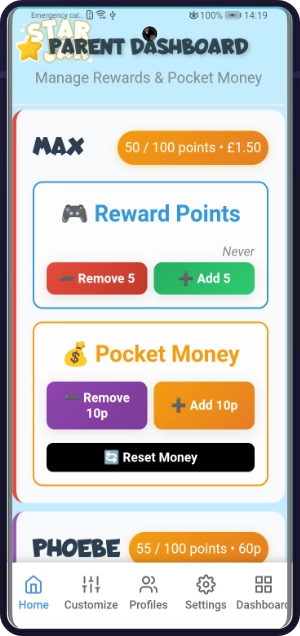
Login from any device to manage all children's progress. Award points instantly, track pocket money, and adjust goals as needed.
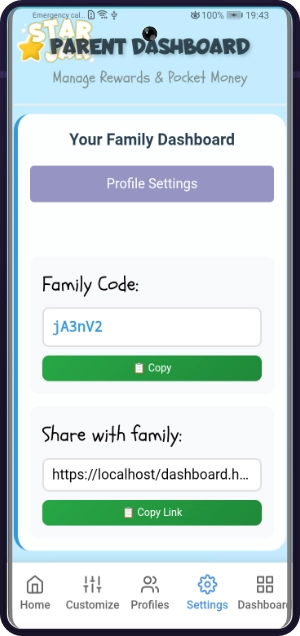
Get your unique Family Dashboard link from settings. Share this with your children to use on any device, where they can watch their points grow in real-time.
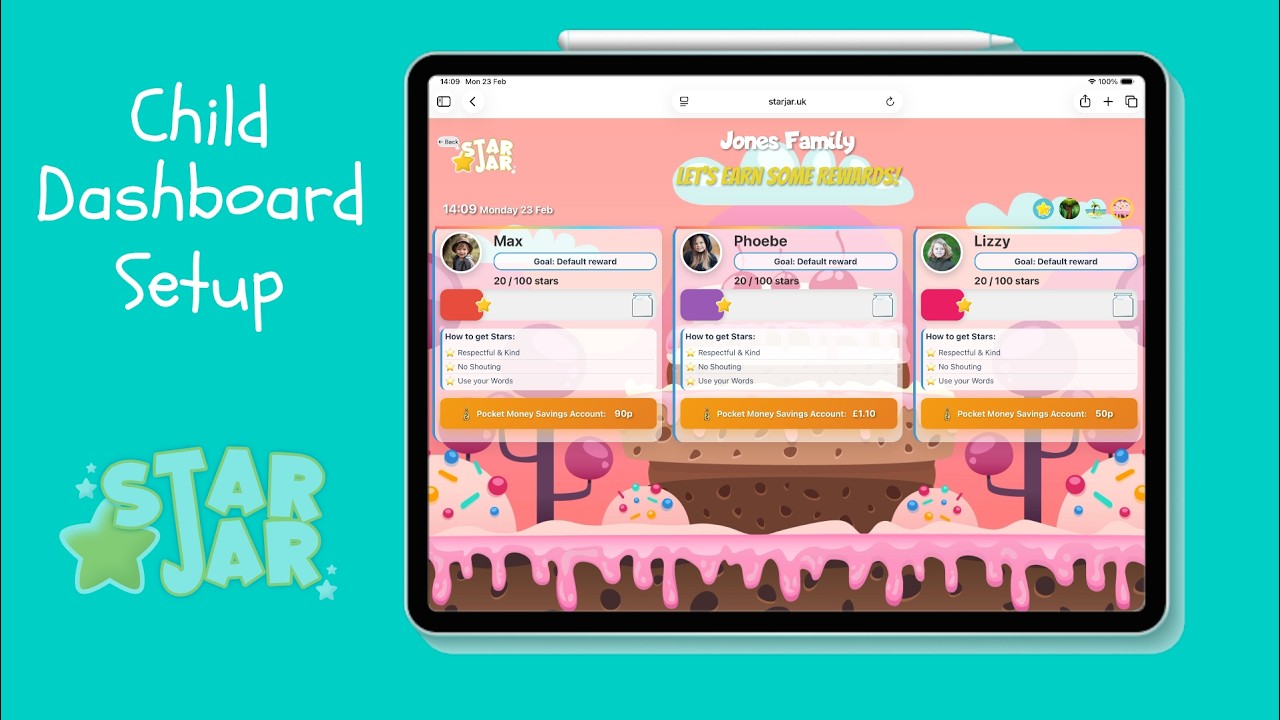
▶ Opens on YouTube
Join thousands of families already using StarJar to build positive behaviours and create happier homes.
Login to Get Started →